

Inside the Perimeter: A Field Guide to Private AI Adoption
The End of the Series, the Start of the Work Across this series we have argued for a specific position. Private AI — …

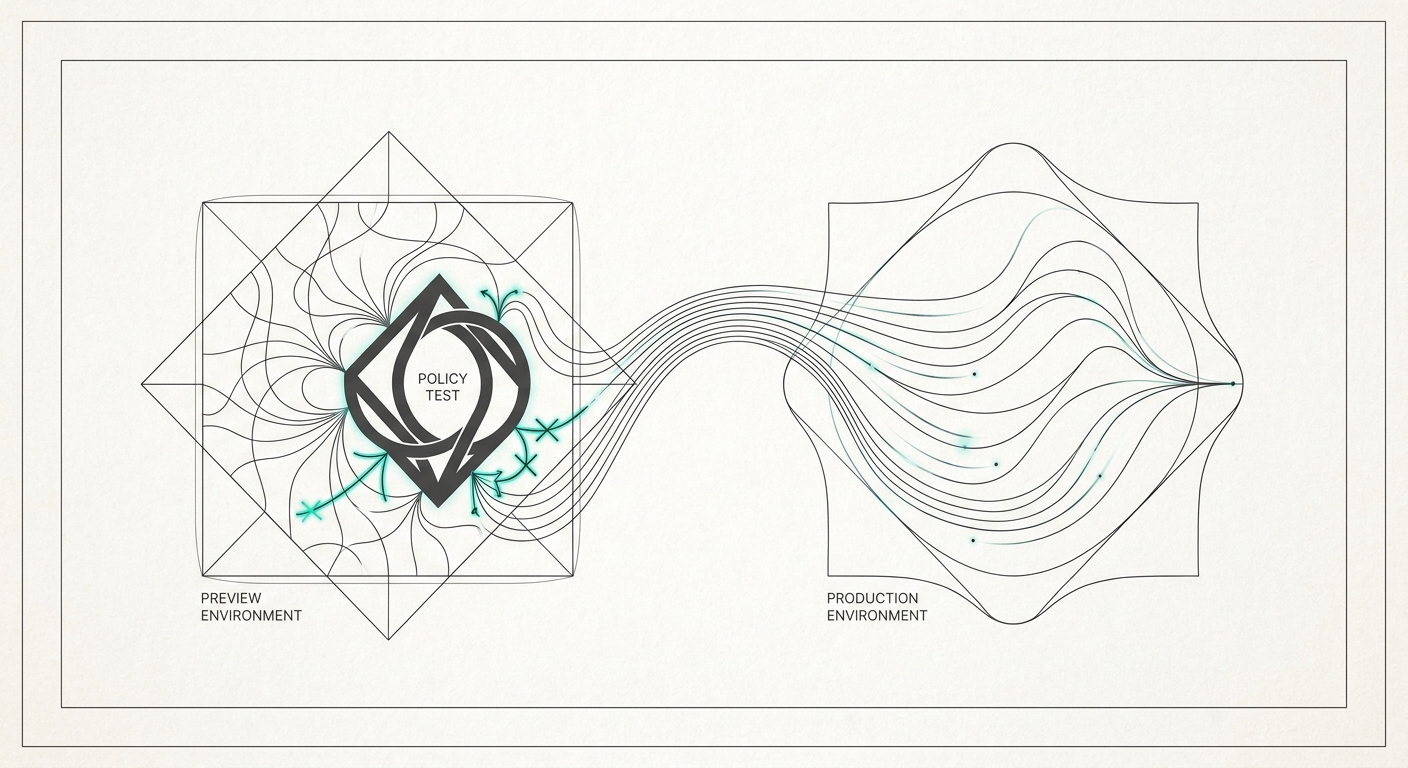

This is the post where the three pillars of private AI — workbench, runtime, governance — finally stitch together in a single workflow. Preview environments are the practice that makes runtime and governance share a deploy loop, with the workbench feeding the changes that flow through it.
A team we worked with last quarter rolled out a new GRC policy on a Friday: block all outbound calls to non-EU model endpoints from agents in the eu-compliance deployment. It was a clean rule, derived from a clean regulation, signed off by a clean compliance review.
It also broke six internal agents over the weekend. Not because the rule was wrong, but because two of the agents were calling a US-hosted embedding model nobody had documented, and another four had hardcoded fallback paths to OpenAI that triggered every time the primary call timed out. By Monday morning the team had reverted the policy, opened nine bugs, and rescheduled the rollout for Q3.
The frustrating part was not that the policy broke things. It was that nobody could have known it would, because there was no place to try the policy against real traffic before it went live. Staging was a different deployment with a different traffic shape. Production was production. Between them there was nothing.
This is the gap preview environments close — but only if you build them right, and only if your governance layer participates.
Preview environments are nothing new in software delivery. The general pattern: every pull request gets a real, isolated, ephemeral environment with its own URL, its own data, and the same architecture as production. The reviewer clicks the link, sees the change live, and either approves or rejects. When the PR closes, the environment evaporates.
Done well, preview environments do four things:
For application code, this has been industry standard for half a decade. For AI agents and the policies that constrain them, almost nobody does it yet.
Preview environments for AI agents are harder than for typical web apps for three reasons:
A typical web app’s preview environment needs a database, maybe a queue, maybe object storage. An AI agent’s preview environment needs all of that plus: an LLM provider (or several), a vector store, an embedding model, tool integrations, and — if you’re being honest — a sandboxed copy of any external system the agent calls in production.
The hard part is balancing fidelity with cost. Calling Anthropic Claude Opus on every preview spin-up is real money. Mocking it loses signal. The practical answer is tiered fidelity: cheap models in preview, full models in staging, production models in production. The agent itself does not know which tier it is in — the runtime injects the right provider config.
This is the part teams miss. A pull request to an agent might change the agent’s code, or change the policy that constrains it, or both. The preview environment has to validate both. A policy change that breaks the agent should fail the PR check the same way a syntax error does.
For this to work, your governance layer must be deployable per-environment, must inherit production’s policies by default, and must support overrides that are themselves reviewable. “This PR adds a temporary policy override for testing” is a diff you can approve. “This engineer manually toggled a setting in the staging UI” is not.
A typical web app preview can be exercised by clicking around. An AI agent’s preview environment needs prompts — and not random prompts, but representative ones. The standard answer in 2026 is replay: capture a sample of production prompts (with PII stripped), replay them against the preview environment, and assert on the outputs and the policy decisions.
Replay test suites are now table stakes for serious AI teams. They live in the same repo as the agent. A PR that breaks the replay suite fails CI. A PR that changes the replay suite triggers a review.
Putting it together, a usable preview environment for AI agents has six properties:
Per-PR ephemeral. Spun up on PR open, torn down on PR close. No long-lived “staging” sludge.
Real provider variants, not mocks. The provider plugin is real, just configured for preview-tier models and quotas.
Same governance, by default. The preview inherits production policies. Override requires an explicit, reviewable annotation in the PR.
Identity-scoped. The preview lives under the same Org → Team → Project hierarchy as production, just at a preview-<pr-number> scope. Audit logs roll up naturally.
Replay-driven validation. A representative prompt suite runs against every preview. Pass / fail comes back as a PR check.
Magic-link approvals where needed. For previews that touch sensitive systems, a compliance reviewer gets a magic link, clicks once, and the preview is unlocked. No SSO juggling, no shared credentials.
The way this composes inside the Calliope stack:
Astrolift
handles the runtime side. On PR open, the platform reads the astrolift.toml manifest, provisions a preview environment in the same provider variant as production (or a cheaper one if the manifest says so), wires up managed services (Postgres, Redis, queues — real, not mocked, but smaller), and serves the agent on a preview URL under the project’s subdomain. When the PR closes, the env disappears, including its data and its managed services. The runtime knows this environment is scope=preview-1234 and tags every event with that scope.
Zentinelle handles the governance side. When the preview spins up, Zentinelle automatically scopes the production policies down to the preview. If the PR adds a new policy or changes an existing one, the policy diff is applied to the preview — and the policy simulator runs the diff against the last 30 days of production events to show: “if this policy had been live, X requests would have been blocked, here are the top examples.” That output appears as a comment on the PR.
The replay suite runs against the preview environment. Each replayed prompt produces a structured output (model response, policies that fired, latency, cost). The suite asserts on those. A failure — a previously-allowed prompt that is now blocked, or a previously-blocked prompt that is now allowed — fails the CI check. Reviewers see exactly what changed and approve or reject with full context.
When the PR merges, the preview disappears, the replay suite locks the new behavior in, and the policy rollout to production is a controlled GitOps operation — not a Friday surprise.
The thing that kills preview environments in practice is when they become approval theater. Every PR needs three sign-offs from people who do not understand the change. The team routes around it. The preview environment becomes optional. A year later you are back to where you started.
The escape is differentiated approval. The platform should know which PRs are low-risk (code change inside the agent’s existing scope) and which are high-risk (policy change, identity scope change, new managed service). Low-risk PRs auto-approve with a green replay suite. High-risk PRs route to a specific reviewer — a compliance officer, a security lead, a tech lead — based on the kind of change.
For high-risk changes, a magic-link approval is the right primitive. The reviewer gets an email or a Slack DM with a one-time link. Clicking it shows the diff, the policy simulator output, the replay suite results, and an approve / reject button. No portal login, no second tab, no SSO redirect chain. The platform records the approval and proceeds.
For changes that need an actual conversation — a new compliance framework being mapped, a new agent capability being introduced — the approval flow drops into a structured review form with explicit fields for risk acceptance, RPN rating, and a comment. That review attaches to the PR and lives in the audit log forever.
You know you have working preview environments for AI agents when:
PRs to agent code or policy take under two hours to validate, including replay suite execution and reviewer click-through.
A new compliance policy can be tested against real traffic before it goes live, with a numeric prediction of how many requests it would block.
Compliance reviewers approve via a single link, with the diff, the simulation, and the replay output in front of them.
The number of “policy rolled out, broke prod, rolled back” incidents trends toward zero.
Junior engineers ship policy changes without paging a senior, because the safety net is automatic.
When all five are true, the deploy / review / approve loop for AI agents matches the loop the rest of your engineering org enjoys for ordinary application code. Until they are true, agent deployment will keep being slower, more political, and more error-prone than it needs to be.
If you are setting this up for the first time, the order that works:
Pick one agent. Not the platform — one specific agent that ships often and has clear stakeholders. Build preview envs for it end-to-end.
Get the replay suite working before the preview environment is glamorous. Twenty representative prompts is enough. The PR check that runs them is the contract.
Wire the governance layer in next. Policies inherited from production. Policy simulator output as a PR comment. This is where the leverage is.
Make magic-link approvals the default for high-risk changes. Resist the temptation to put everything behind a portal.
Then scale to the rest of the agents. The platform pattern, once it works for one, works for all.
The teams winning at agent deployment in May 2026 are not the ones with the smartest agents. They are the ones who have made deployment boring — predictable, fast, auditable, reversible. Preview environments, with the runtime and the governance both participating, are how you make deployment boring on purpose.
That is the second-best compliment a deploy pipeline can earn. The first is “it just works.” They are the same compliment.
This wraps the May private-AI series. Earlier posts: the three-pillar private AI stack , the May desktop workbench releases , multi-cloud BYOC AI runtime , the internal-cloud developer experience , real-time GRC for AI agents , and live agent observability .
The End of the Series, the Start of the Work Across this series we have argued for a specific position. Private AI — …

Where the Perimeter Is the Hospital Healthcare networks operate inside a perimeter, even when most administrators do not …